Data migration from
Vitally to GitLab
Using our tool, data transition turns out to be a flawless process requiring little to no coding expertise.
Your data is safe
The access credentials you give us are used during the import process only and are deleted from the system instantly after the migration according to our Privacy Policy. Also, your data transition is carried out under a safe connection throughout the whole procedure.
Optimal and Accurate
We’ve studied a number of Project Management Systems and considered all probable features of each to provide the most accurate and efficient data migration outcome.
Companies rely on us
Relokia is a leading company in the cloud migration industry, offering the best data migration solutions on the market. 5-star customer reviews on Capterra and G2 Crowd are some of the vivid proofs.
The most noticeable perks

Usage simplicity
We created our migration tool for the customers’ convenience. That’s the reason why it is simple to employ. The tool requires zero scripting knowledge to exploit for a successful Project Management System import.
Custom fields migration
Regardless of the smallest details you require to transfer, we’ll easily tackle the task of moving even custom task fields or custom sections.


Data filtering
In case you don’t need all the data from your old system on the new one, then we can perform a data filtering to migrate only those records, that you will need on the future platform.
Preserving the relations between your records
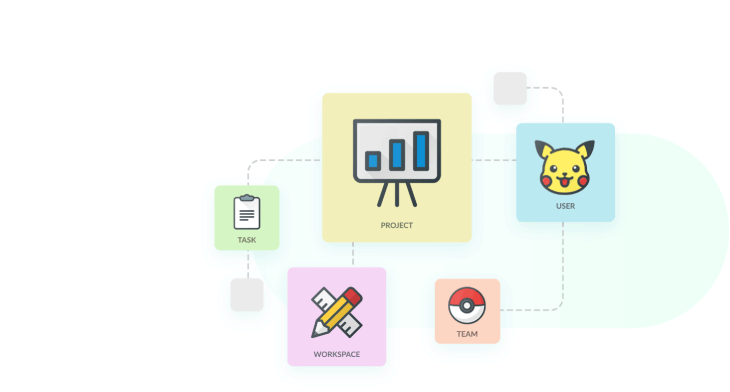
When migrating your Project Management records, we preserve all the relationships accurately as they were between the records. So, there’s no need to worry about the correct organization of records.

Stellar customer service and support
Be sure to receive first-rate customer service and support throughout the full data import process. Our data migration specialists will help you with any probable question.
Entities you can migrate from Vitally to GitLab
| Vitally objects | GitLab objects | |
|---|---|---|
| Project management | ||
| Admins | Users | |
| Tasks | Issues | |
How does the data migration from to work
-
Contact Relokia
Together with our experts, you will talk over the scope of work, the amount of time, and all the other details needed to perform your data migration with the best result.
-
Connect Vitally and GitLab
Provide the needed credentials to access your source Project Management System data and transfer it to the target one.
-
Pick a date for the transfer
Establish when the majority of the users are inactive as this period of time is the most favorable to carry out the data import.
-
Import all the data to GitLab
Start a complete data migration to move all the necessary records to your future Project Management System.
-
Enjoy using your new Project Management System!
As soon as the data import is finished, you can safely utilize your fresh new platform!
Your data is protected in the reliable hands of Relokia experts!
We elaborate and also employ the best techniques to maintain the maximum protection of your data throughout the data transfer.
Unpuzzle the price of Vitally to GitLab migration
And now to the burning question. How much will it cost to transfer from Vitally to GitLab? The price will largely lean on the volume of records you need to move, the complexity of your requirements, and customizations you’ll ask for. Run a Free Demo to check the Migration Wizard go and learn how much your migration will cost.
Project migration tool that just works!
Save yourself days of work with our automated migration tool