Transfer your records between Vitally and Trello
Using our tool, data migration actually is a seamless process needing little to no coding expertise.
Your data is in safety
The info and passwords you give us are utilized during the migration process only and are removed from the system instantly after the migration due to our Privacy Policy. Moreover, your data migration is performed under a safe connection throughout the whole procedure.
Timely and Flawless
We’ve examined a number of Project Management Systems and have taken into consideration all probable peculiarities of each to ensure the most accurate and efficient data migration result.
Clients rely on us
Relokia is a leading company in the data migration industry, offering the best data migration tools on the market. 5-star customer reviews on Capterra and G2 Crowd are some of the meaningful examples.
Our most distinct perks
Easy to handle
We built our migration system for the customers’ convenience. That’s the reason why it is straightforward. The service requires zero coding knowledge to exploit for a successful Project Management System import.
Migration of custom fields
Regardless of the smallest details you require to migrate, we’ll easily tackle the task of moving even custom task fields or custom sections.

Data filtering
Maybe you don’t need all the data from your current system on the target one, then we offer data filtering to transfer only those records, that you will need on the target platform.
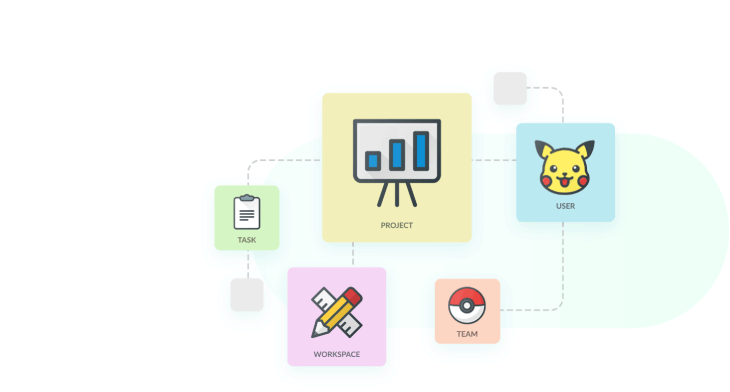
Preserving the relations between your records
When migrating your Project Management records, we maintain all the relationships precisely as they were between the records. So, you don’t have to worry about the proper arrangement of records.

Superior customer service and support
Be sure to get top-notch customer service and support during the full data import process. Our data migration specialists will assist you with any potential question.
Entities available for data migration from Vitally to Trello
| Vitally entities | Trello entities | |
|---|---|---|
| Project management | ||
| Admins | Members | |
| Tasks | Tasks | |
The principle of data migration from to step-by-step
-
Contact us
Together with our professionals, you will talk over the scope of work, the amount of time, and other additional details required to perform your data migration with the best result.
-
Link Vitally and Trello
Give the needed credentials in order to access your source Project Management System data and migrate it to the target one.
-
Schedule a transition date
Establish when most of the users are off as this period is the most appropriate to carry out the data import.
-
Transfer all the data to Trello
Initiate a complete data import to move all the necessary records to your new Project Management System.
-
Start using your new Project Management System
After the data import is finished, you can safely use your ready-to-use platform!
Your records are protected in the trustable hands of Relokia experts!
We elaborate and also apply the most efficient methods to keep the maximum protection of your data during the data migration.
What is the price of your Vitally to Trello` migration?
And now to the burning question. How much will it cost to transfer from Vitally to Trello? The price will largely depend on the volume of records you need to move, the complexity of your specifications, and custom work you’ll ask for. Set a Free Demo to see how the Migration Wizard go and learn how much your migration will cost.
Ready to start your migration?
Save yourself days of work with our automated migration tool