ClickUp Data Migration Guides
How to Create a List on ClickUp?
Before running a Demo Migration to ClickUp, it's important to create a task list in the project where you plan to import the data. This will help you efficiently map tasks during the migration.
Follow these steps to set up a new List:
1. Log in to your ClickUp account.
2. Hover over the Space from the sidebar and choose a project.
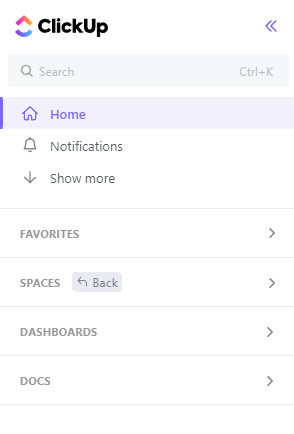
Note: Pick a project you’ll use to import the source data to ClickUp.
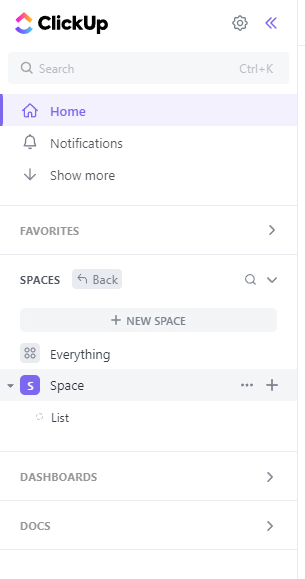
3. Click the plus icon.
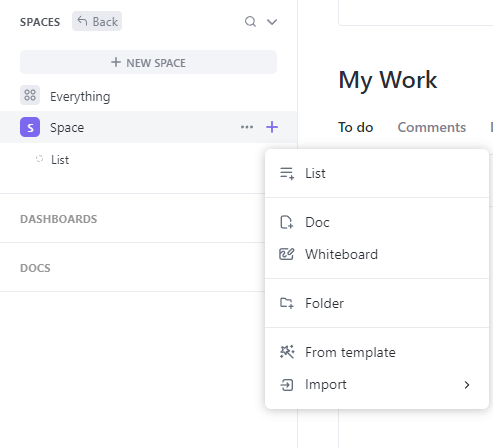
4. Select List from the drop-down list.
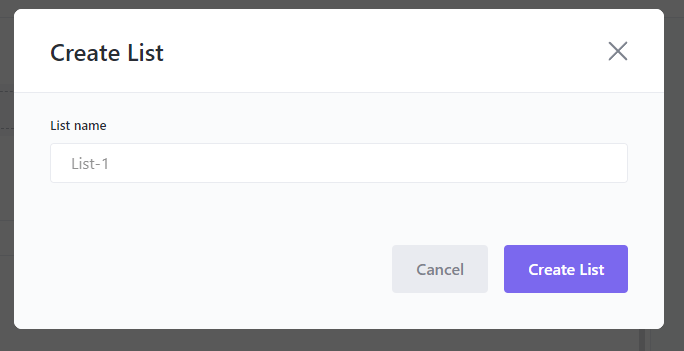
5. Name your List and click Create List.
Looking for more details on data migration?